-
- APC Back UPS
- APC EASY UPS
- APC Modular UPS
- APC Smart SMC UPS
- APC Smart SMT UPS
- APC Smart SURT UPS
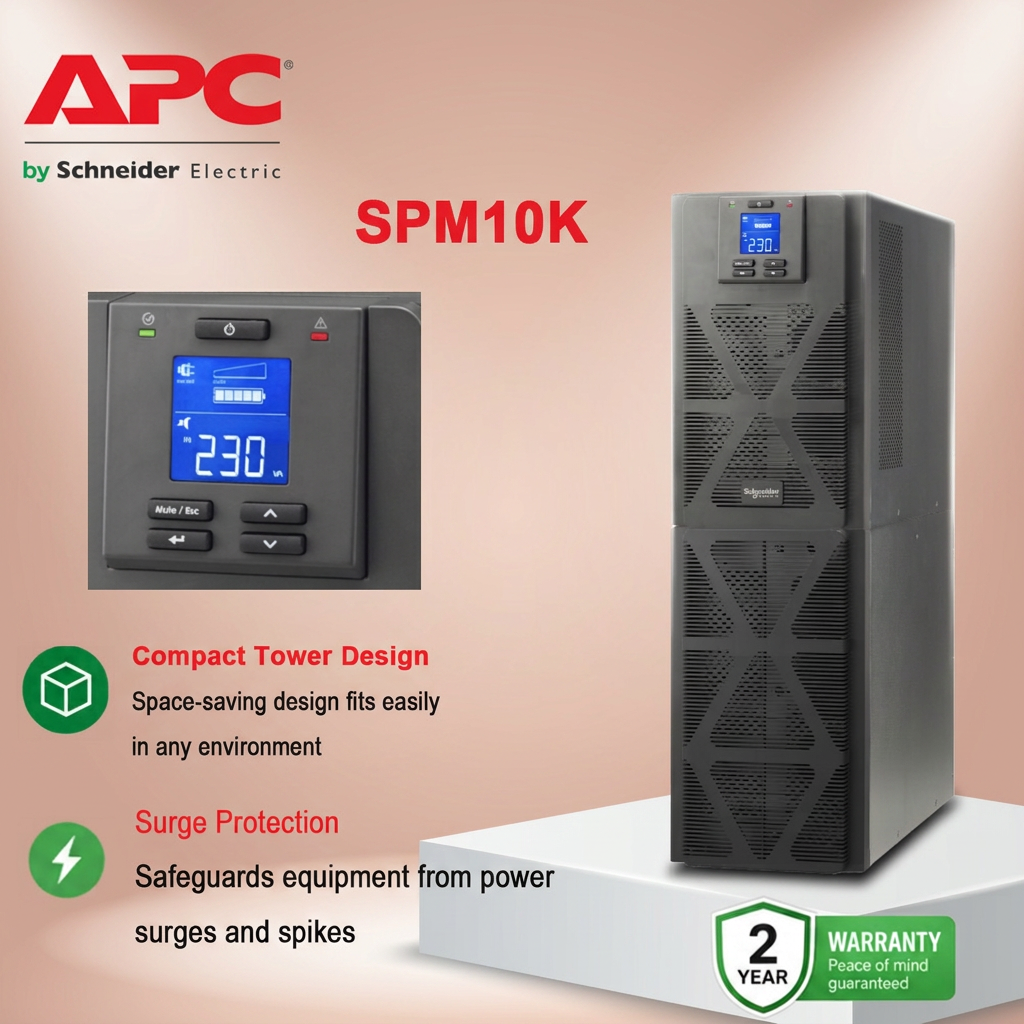
- APC SPM UPS
- APC Symmetra Power Module
- APC SYMMETRA LX
- APC Symmetra PX
- Eaton 5P UPS
- Eaton 5PX G2 UPS
- Eaton 93PR UPS
- Eaton 9PX Li-Ion UPS
- Eaton 9PX UPS
- Eaton 9SX Tower UPS
- Eaton DX RT UPS
- Eaton DX UPS
- Eaton Ellipse ECO UPS
- Eaton Marine UPS
- Eaton Power Module
- SANTAK UPS
- Schneider Galaxy 3L / EASY 3L UPS
- Schneider Galaxy VS UPS
- Schneider Galaxy VL UPS
- Vertiv UPS


How to choose a UPS power supply for personal home use?

As someone who has long dealt with power issues, I must first pour some cold water on your thinking: the selection logic for home UPS systems is completely different from that for factory server rooms. Factories need shock resistance, isolation capabilities, and robust durability, while the core of home scenarios boils down to three words—data protection.
So don’t immediately ask which brand is good; first figure out what you’re actually insuring. Choose your products in this order:
Step 1: Calculate the power consumption and buy a larger one. Add up the rated power of your computer, monitor, NAS, router, and optical modem (these are usually marked on the power adapters). Then divide this sum by 0.6 to 0.7. The result is the minimum apparent power (VA) of the UPS you need. For example, if the total power consumption of your devices is 300W, then you should choose at least a 500VA UPS. Don’t buy a UPS that’s too tight; leave a 40% margin. Otherwise, you’ll get an instant overload alarm during a power outage, and it’ll be better not to install one at all.
Step 2: Differentiate between the two models to avoid buying the wrong one. There are two types of home UPS systems on the market: standby and online . For most families, a standby UPS is sufficient—it runs directly from AC power during normal operation and only switches to battery power during power outages, with a switching time of 2-10 milliseconds. The computer won’t restart, and it only costs a few hundred yuan. However, if your NAS stores important data or has high-fidelity audio equipment, you must choose an online UPS. It constantly converts AC power to DC and then back to AC output, resulting in zero voltage fluctuations, a clean waveform, and seamless switching during power outages. However, it’s more expensive and has a noisier fan; you might want to consider whether it’s suitable for a study.
Step 3: Pay attention to the output waveform; a modified sine wave can be misleading. Home UPS output waveforms come in two types: pure sine waves and modified sine waves. The former is as smooth as AC mains power and is compatible with all devices; the latter is a stepped square wave, barely usable for computers, but will produce a buzzing sound or even fail to work when connected to motor-driven devices (such as fans or printers). Just remember this: only buy pure sine waves; the difference is only a few hundred dollars, don’t create unnecessary trouble for yourself.
Step 4: Interface and noise determine the actual experience. Before buying, count how many devices you need to protect, and whether the sockets on the back of the UPS are sufficient. It’s best to choose one with surge protection . Also, the fan noise and electromagnetic hum of a home UPS placed on or under a desk are real, especially for online models. It’s recommended to listen to it in a physical store or read user reviews about the noise levels; don’t wait until you buy one to find it’s too noisy to sleep.
Finally, let’s be honest: a home UPS is essentially buying insurance, not power. What you’re after is the ability to safely save your work, shut down your NAS safely, and keep your router connected during those few minutes of power outage. From this perspective, spending a few hundred or a thousand dollars to protect tens of thousands of dollars worth of data and equipment is definitely worth it.