-
- APC Back UPS
- APC EASY UPS
- APC Modular UPS
- APC Smart SMC UPS
- APC Smart SMT UPS
- APC Smart SURT UPS
- APC SPM UPS
- APC Symmetra Power Module
- APC SYMMETRA LX
- APC Symmetra PX
- Eaton 5P UPS
- Eaton 5PX G2 UPS
- Eaton 93PR UPS
- Eaton 9PX Li-Ion UPS
- Eaton 9PX UPS
- Eaton 9SX Tower UPS
- Eaton DX RT UPS
- Eaton DX UPS
- Eaton Ellipse ECO UPS
- Eaton Marine UPS
- Eaton Power Module
- SANTAK UPS
- Schneider Galaxy 3L / EASY 3L UPS
- Schneider Galaxy VS UPS
- Schneider Galaxy VL UPS
- Vertiv UPS


A Comprehensive Guide to UPS Uninterruptible Power Supply Connection Methods( Part 1)

Introduction: Connection method determines protection effectiveness
Surprisingly, many users believe that choosing a suitable UPS is all they need, unaware that incorrect connections can render your UPS protection ineffective and even create safety hazards. Statistics show that over 30% of UPS failures or protection malfunctions stem from incorrect installation and connections. Correct connections not only enable seamless power switching but also extend equipment lifespan and protect data security. Today, we’ll systematically analyze the correct UPS connection methods for various situations to help you build a truly reliable power protection system. From a long-term benefit perspective, the returns are considerable.
Chapter 1: Core Preparations and Security Guidelines Before Connection
To be honest, all operations must be performed with the power off before connecting any cables. Ensure the UPS power switch is off; thorough preparation is fundamental to safety and effectiveness. Safety first, and always unplug the power cord from the wall outlet. I predict its importance will increase in the future.
Maintain at least 10 cm of ventilation space around the UPS; environmental checks are equally important. The UPS should be placed on a solid, level surface, away from heat sources, moisture, and flammable materials. Please double-check the total power of all devices you need to protect; this is a crucial threshold for ensuring backup time and equipment safety. This ensures that the UPS capacity does not exceed 80% of its rated capacity. The simplicity of this approach actually contributes to high efficiency.
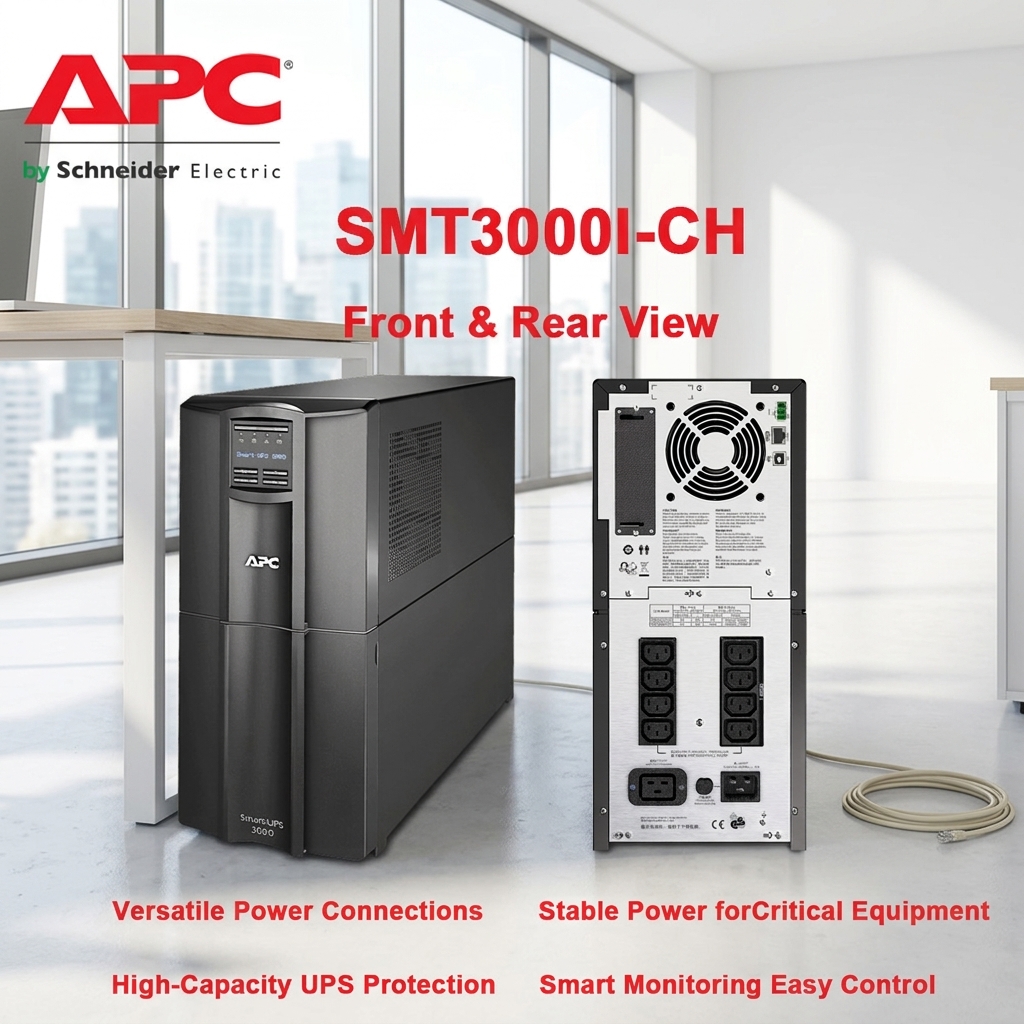
After countless trials and errors, I finally understood. I broke it down and thought it through carefully. This involves ports (without battery backup) and communication ports (such as USB or network interfaces). Please take some time to familiarize yourself with your UPS back panel. Different types of UPS have slightly different interface configurations, but most often they include several important areas: AC input socket (connects to the wall power supply), battery backup output socket (powered by the battery during a power outage), and surge protection output socket (provides surge protection only, used for intelligent management). Identifying these interfaces is the first step to correct connection. This design is quite user-friendly.