-
- APC Back UPS
- APC EASY UPS
- APC Modular UPS
- APC Smart SMC UPS
- APC Smart SMT UPS
- APC Smart SURT UPS
- APC SPM UPS
- APC Symmetra Power Module
- APC SYMMETRA LX
- APC Symmetra PX
- Eaton 5P UPS
- Eaton 5PX G2 UPS
- Eaton 93PR UPS
- Eaton 9PX Li-Ion UPS
- Eaton 9PX UPS
- Eaton 9SX Tower UPS
- Eaton DX RT UPS
- Eaton DX UPS
- Eaton Ellipse ECO UPS
- Eaton Marine UPS
- Eaton Power Module
- SANTAK UPS
- Schneider Galaxy 3L / EASY 3L UPS
- Schneider Galaxy VS UPS
- Schneider Galaxy VL UPS
- Vertiv UPS


A Comprehensive Guide to UPS Uninterruptible Power Supply Connection Methods( Part 3)

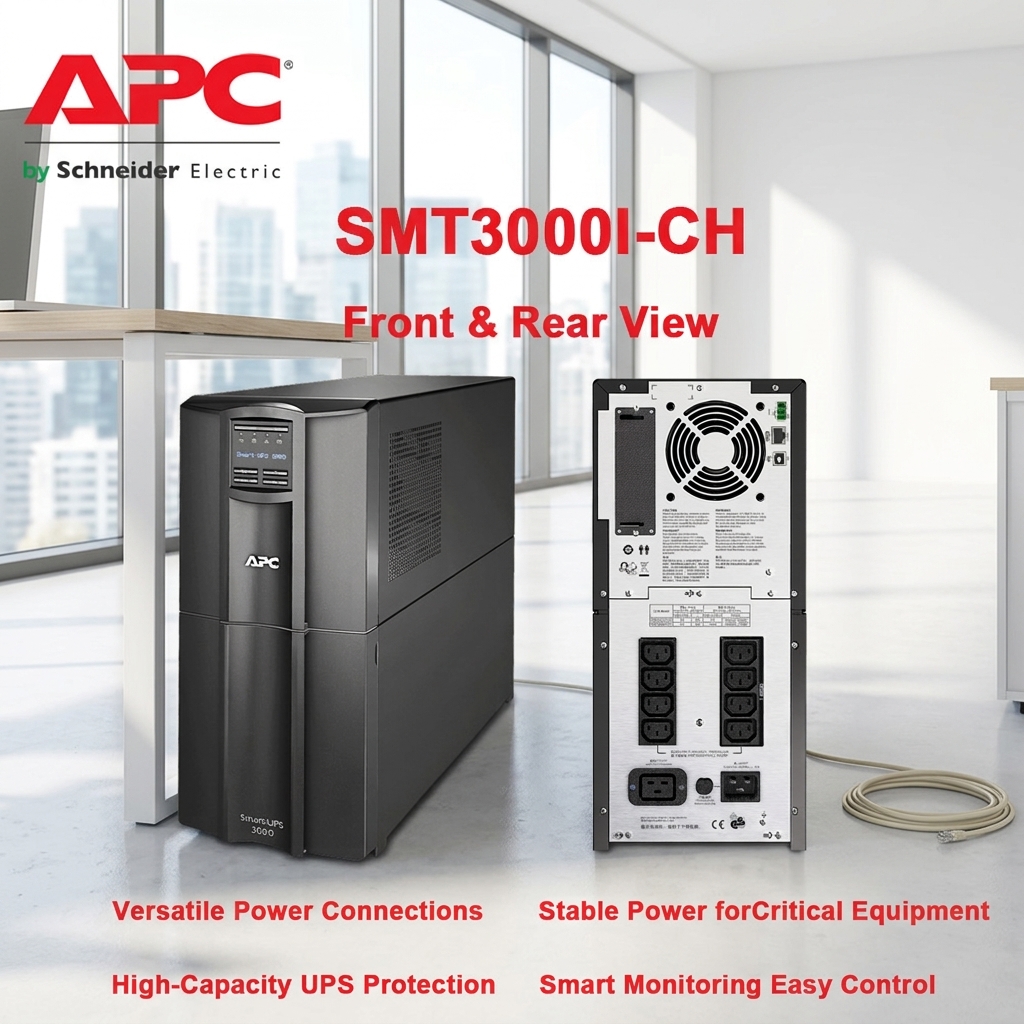
Chapter 3: Multi-device Tiered Protection Strategy for Small and Medium-sized Enterprises
The fundamental issue is that when the protection scope expands to multiple devices in a small office or studio, the connectivity strategy needs to be upgraded to “tiered protection.” The core idea is to allocate power resources based on the importance of the devices, ensuring that limited battery power is used for the most critical tasks. Its stability is something I can trust.
Looking at the overall picture, the highest level of protection should be allocated to core business equipment. This includes the company’s servers or NAS (Network Attached Storage), which should employ a tiered connectivity scheme. The first tier consists of core network equipment, where all data converges (a clear advantage), such as the main switch and routers, and in practice, one or two workstations handling critical tasks. These devices must be connected to the battery backup output ports of a UPS. Their interruption means the entire office network is paralyzed. This aspect does simplify some complex processes to a certain extent.
The blind spot in my understanding is that, in my opinion, while I enjoy the daily power purification, it needs to be manually shut down during prolonged power outages to conserve power for core equipment. This power can be allocated to ordinary office computers, peripheral monitors, and other devices. These can be connected to the surge protection output port of the UPS, and their second-level protection performance far exceeds expectations.
To put it simply, think about it the other way around. Also, it’s crucial to clearly define which devices are unsuitable for UPS connection. Besides the large laser printers mentioned earlier, this includes high-power-consuming or motorized devices such as air conditioners, refrigerators, and coffee makers. These devices should be plugged directly into wall outlets. I’ve witnessed the improvements they bring.
Cross-validation confirms that this design is very intuitive in terms of user experience. Personally, I feel that when multiple devices are connected, it minimizes excessive current in a single path. This is achieved by distributing higher-power devices across different outlet groups and paying attention to load balancing. Having multiple output outlet groups in your UPS can bring long-term and sustainable positive effects.
Chapter 4: Professional Deployment Guide for Servers and Data Centers
The hard-earned lessons from real-world experience have taught me that, regardless of other factors, what I’ve witnessed is that UPS connections are a more rigorous systems engineering project. Initially, in terms of physical layout, if using a rack-mount UPS , for server or small server room environments, it should be installed at the bottom of the server rack; placing it at the bottom helps stabilize the rack. Sufficient ventilation space must be provided in front of and behind it. And importantly, since the UPS is often the heaviest piece of equipment, this point is extremely valuable.
Essentially, this reflects the fact that servers, switches, and other devices are then connected to this set of PDUs . This structure is clear and easy to manage. Ideally, it should be used in conjunction with rack-specific PDUs (Power Distribution Units). The standard process (which creates more possibilities) is: AC power is first connected to the rack PDU, then from the PDU to the UPS input, and the UPS output is connected to another set of PDUs that power critical equipment. This feature in power connection offers a high degree of flexibility in practical use.
I must mention that the best practice is to connect each power supply to a separate UPS for maximum redundancy. If there’s only one UPS and the server is equipped with dual power supplies, the capacity and backup time must be sufficient to support the server through a safe shutdown process. This flexibility is commendable.
Its anomaly handling mechanism is highly regarded in the industry; frankly, intelligent management is not optional, but essential in this situation. In addition to basic USB connectivity, configuring a network management card for the UPS is highly recommended. Using the SNMP protocol , you can monitor the UPS status from anywhere on the network, receive email or SMS alarms, and issue batch shutdown commands to multiple servers. At this juncture, cabling must adhere to the principle of “separation of strong and weak currents.” Power lines should be run separately from network cables, fiber optic cables, and other data lines to prevent interference. This point is of paramount importance.